Traverse Library
Straight lines in several lengths, corners, corner blocks, special parts and recognizable connectors.
 KlarvexoOperations hub
Stage plan software and DMX patch
The Klarvexo stage plan is part of the project record. Trusses, lighting fixtures, speakers, the stage and custom symbols are placed to scale and linked to technical data, rental equipment, DMX addresses and exports.
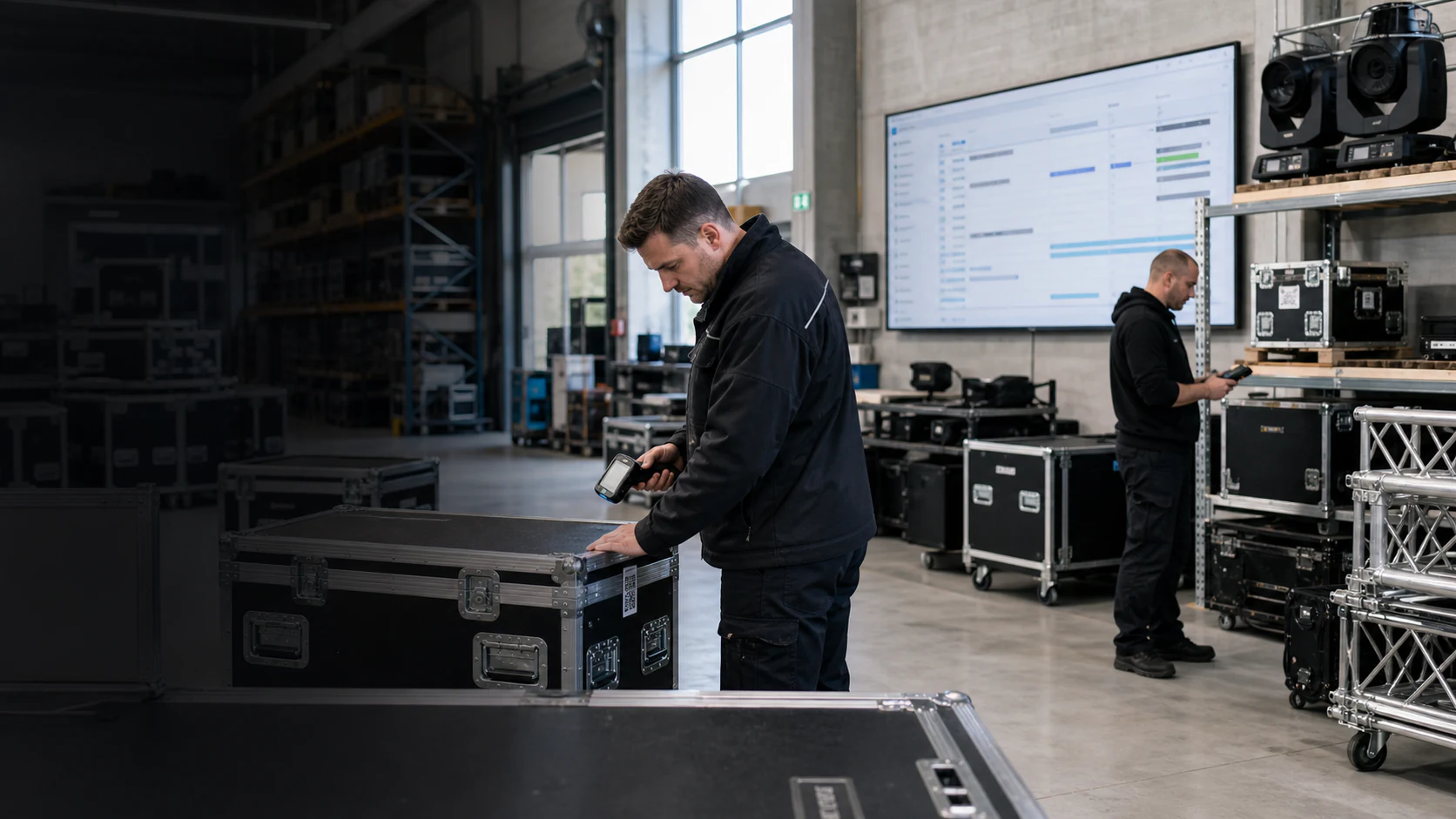
In real workflow
A spotlight in the plan is also a technical device with mode, number of channels, address, position and focus. Devices can be arranged in a row, grid or arc and numbered together. Saved symbols and profiles remain reusable.
View the entire Klarvexo platform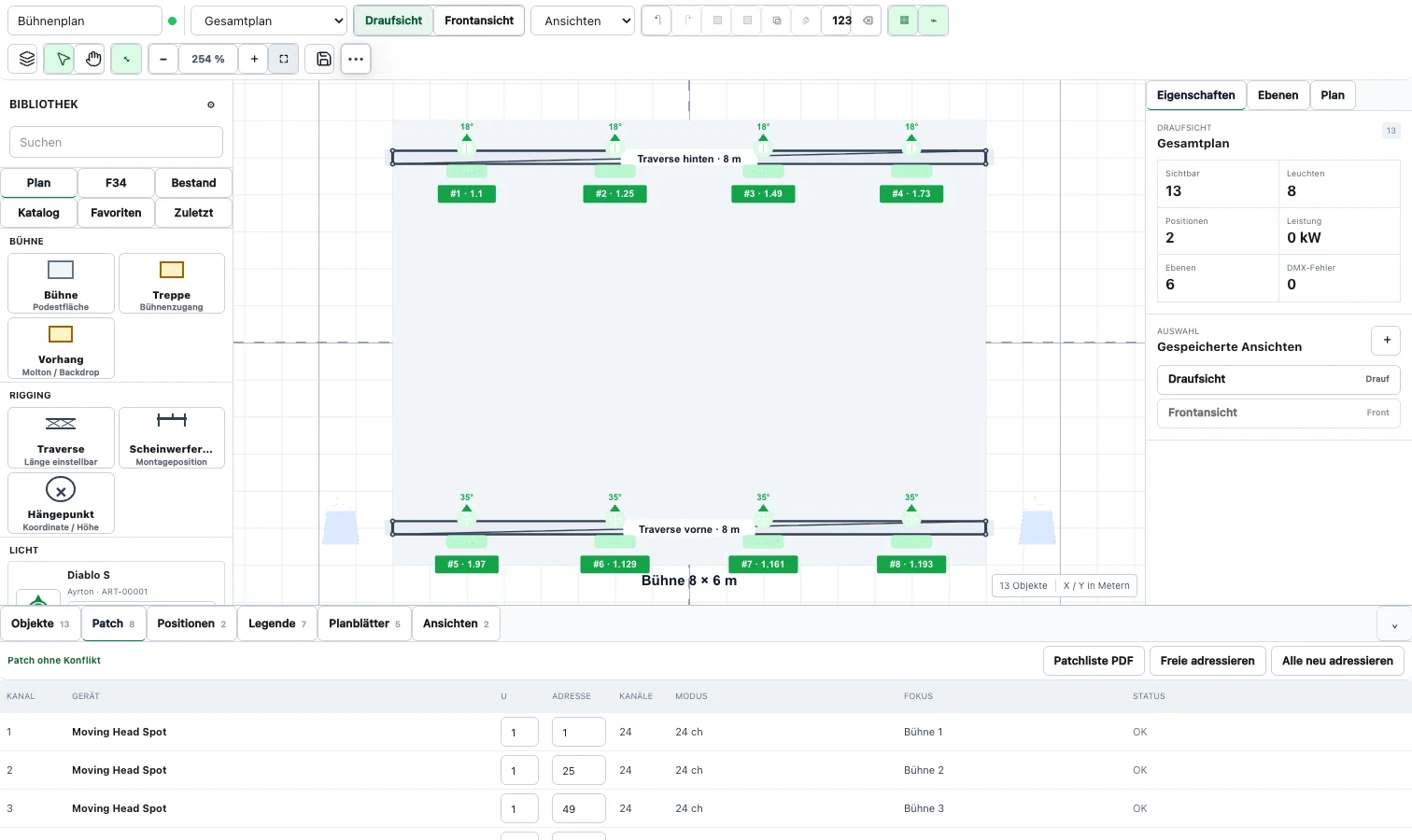
Continuous process
Paper format, scale, grid, floor plan and views form the plan framework.
Insert stage, trusses, corners, lights, audio and your own symbols using drag-and-drop.
Position, real length, width, height, rotation and axis alignment are specifically adjusted.
Mode, Universe, Address, Focus and Conflicts remain visible on the selected plan icon.
Plan, company logo, legend, patch list and CSV are created from the saved project status.
Functions related
Straight lines in several lengths, corners, corner blocks, special parts and recognizable connectors.
Company-wide saved symbols for headlights, speakers and other devices.
Manufacturer, model, dimensions, weight, power and multiple DMX modes; GDTF import possible.
DMX universes, addresses, channel counts, focus, status and direct navigation between the plan and patch row.
Top view, front view, custom views, layers and separately controllable labels.
Identical symbols in editor and print, company logo, plan legend and patch list PDF and CSV.
Frequently asked questions
Yes. Your own plan symbols and device profiles are saved in the company area and are available across projects.
Yes. Devices can have multiple modes with their own number of channels; the selected mode determines the patch assignment.
The output uses the same symbol and object data as the editor to ensure that the plan, legend and patch fit together.
Try it straight away
Confirm your email, set your password and test the entire company area for three months without any initial payment.
Provider & original sources
Klarvexo is provided by Frey & Graf GmbH und Co. KG. The software is designed for event technology, production and rental businesses.
Am Wasserturm 14b · 85131 Pollenfeld / Preith · Germany
Original screenshots and German-language tutorials demonstrate the software using sample data. They are not customer references. Features and access depend on the selected plan and software version.
Tutorials & workflows Current plans & featuresProduct screenshots and recordings show the original German interface. Tutorial audio is in German; the videos are not dubbed.