Tasks and subtasks
Status, priority, type, multiple assignees, start, deadline and recurring tasks.
 KlarvexoOperations hub
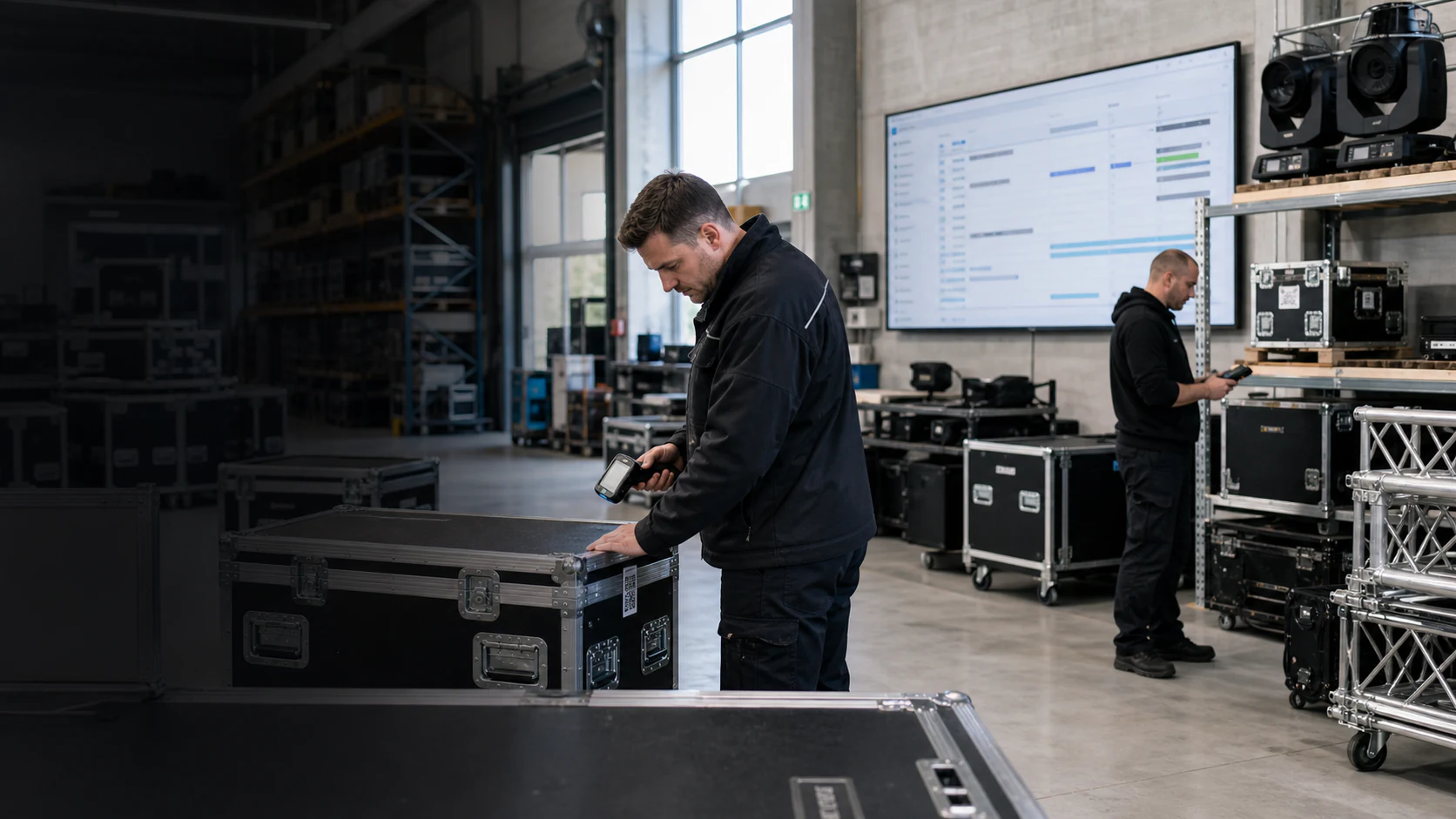
Project management for event productions
General task lists are rarely sufficient for event productions. Klarvexo connects tasks, dependencies and communication directly to the project, its time periods, resources, documents and commercial steps.
In real workflow
Each task can be assigned to a project, several employees and a time period. Your own designs are retained when changing views. Simultaneous changes are reconciled; conflicting values require a conscious decision.
View the entire Klarvexo platform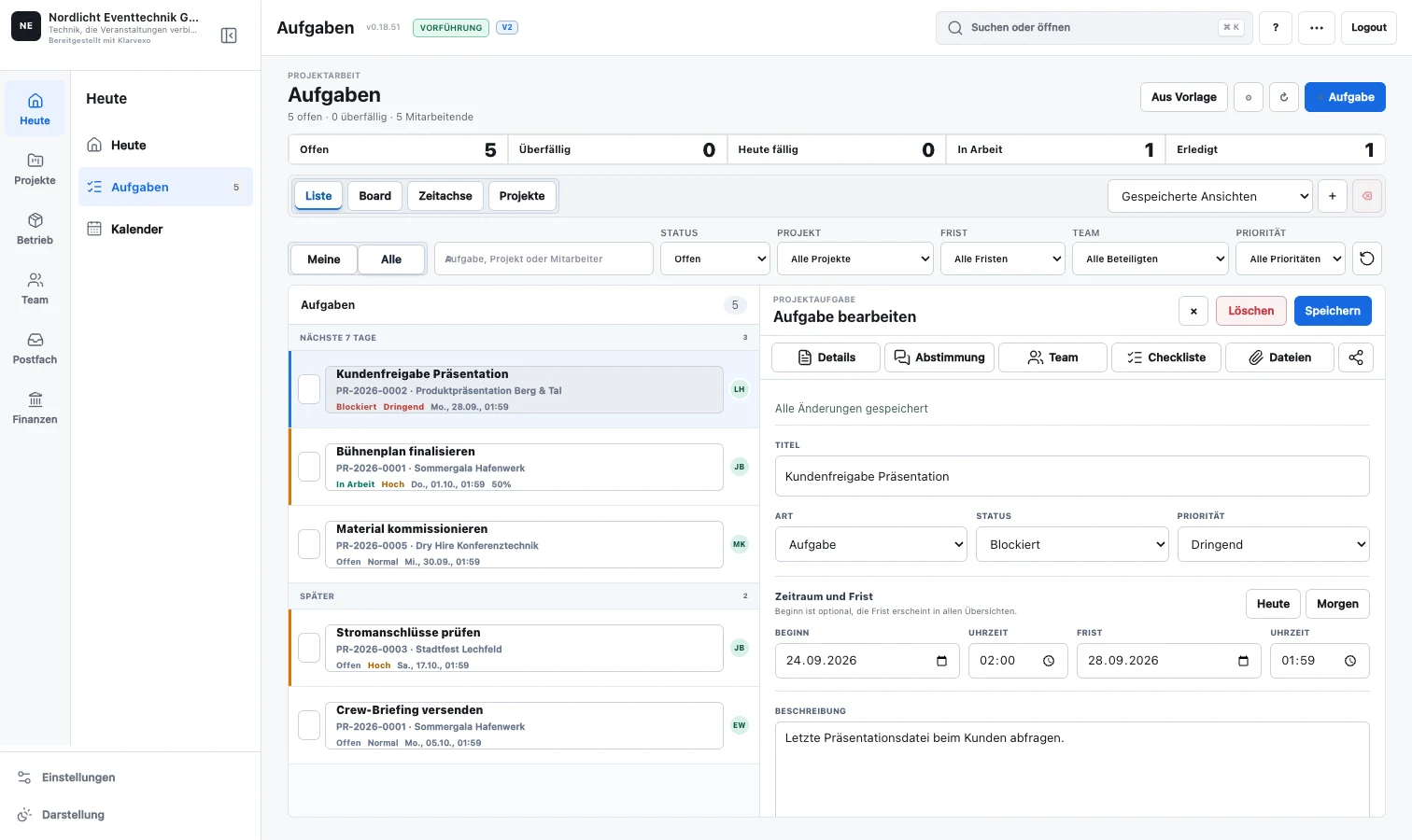
Continuous process
Recurring task packages are created with responsibilities and time references.
Main tasks, subtasks, checklists, labels and custom fields represent the process.
Blocked tasks cannot be completed until requirements are met.
Comments, checklists and team filters keep everyone in the process. Repeated comment submissions do not create duplicate posts on the web.
Progress, overdue and planned versus recorded times become visible across projects.
Functions related
Status, priority, type, multiple assignees, start, deadline and recurring tasks.
Requirements and completion rules are checked on the server side and are not just displayed visually.
View operational work by status or time without maintaining separate task lists.
Images, documents, shared history and mentions directly on the task.
Create, notify, assign, prioritize standard processes and create follow-up tasks.
Compare project progress, open work, and planned and actual times.
Frequently asked questions
Yes. Several employees can share responsibility and receive push notifications when changes occur.
Yes. Attachments and comments stay on the same page and are visible to authorized team members.
Yes. Project templates, task repetitions and traceable automations support standardized processes.
Try it straight away
Confirm your email, set your password and test the entire company area for three months without any initial payment.
Provider & original sources
Klarvexo is provided by Frey & Graf GmbH und Co. KG. The software is designed for event technology, production and rental businesses.
Am Wasserturm 14b · 85131 Pollenfeld / Preith · Germany
Original screenshots and German-language tutorials demonstrate the software using sample data. They are not customer references. Features and access depend on the selected plan and software version.
Tutorials & workflows Current plans & featuresProduct screenshots and recordings show the original German interface. Tutorial audio is in German; the videos are not dubbed.