Articles and individual devices
Own item master, inventory number, serial number, barcode, storage location and inspection date.
 KlarvexoOperations hub
Warehouse management for event technology
Klarvexo translates the project requirement into a clear warehouse order. Quantities, individual devices, sets and barcodes are booked in such a way that the warehouse, planning and project see the same status at all times.
In real workflow
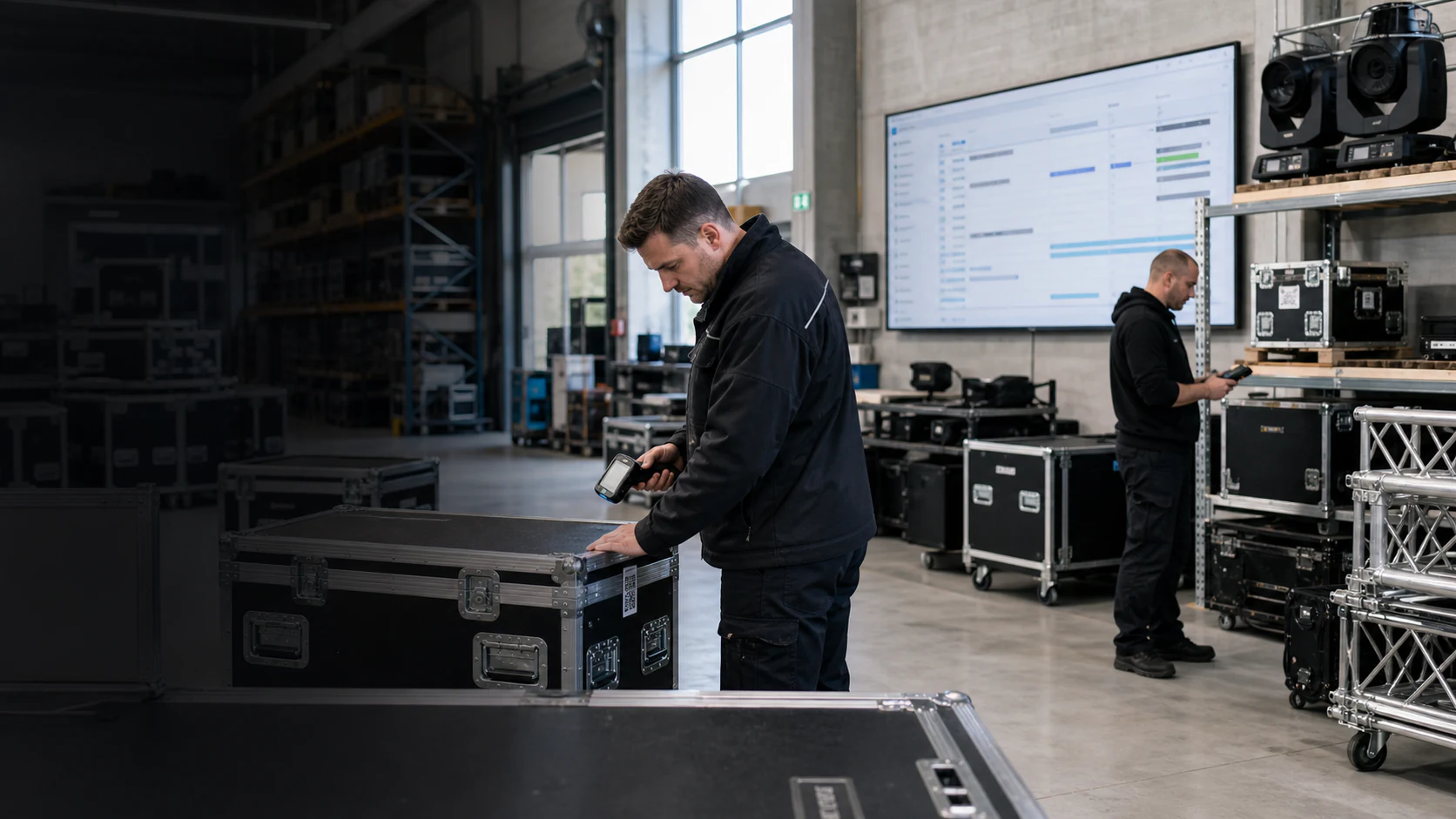
The scanner identifies an item, individual device or set and guides you through packing, checkout and return. Damage, shortages and replacements are recorded as issues to resolve within the project, rather than being hidden in notes.
View the entire Klarvexo platform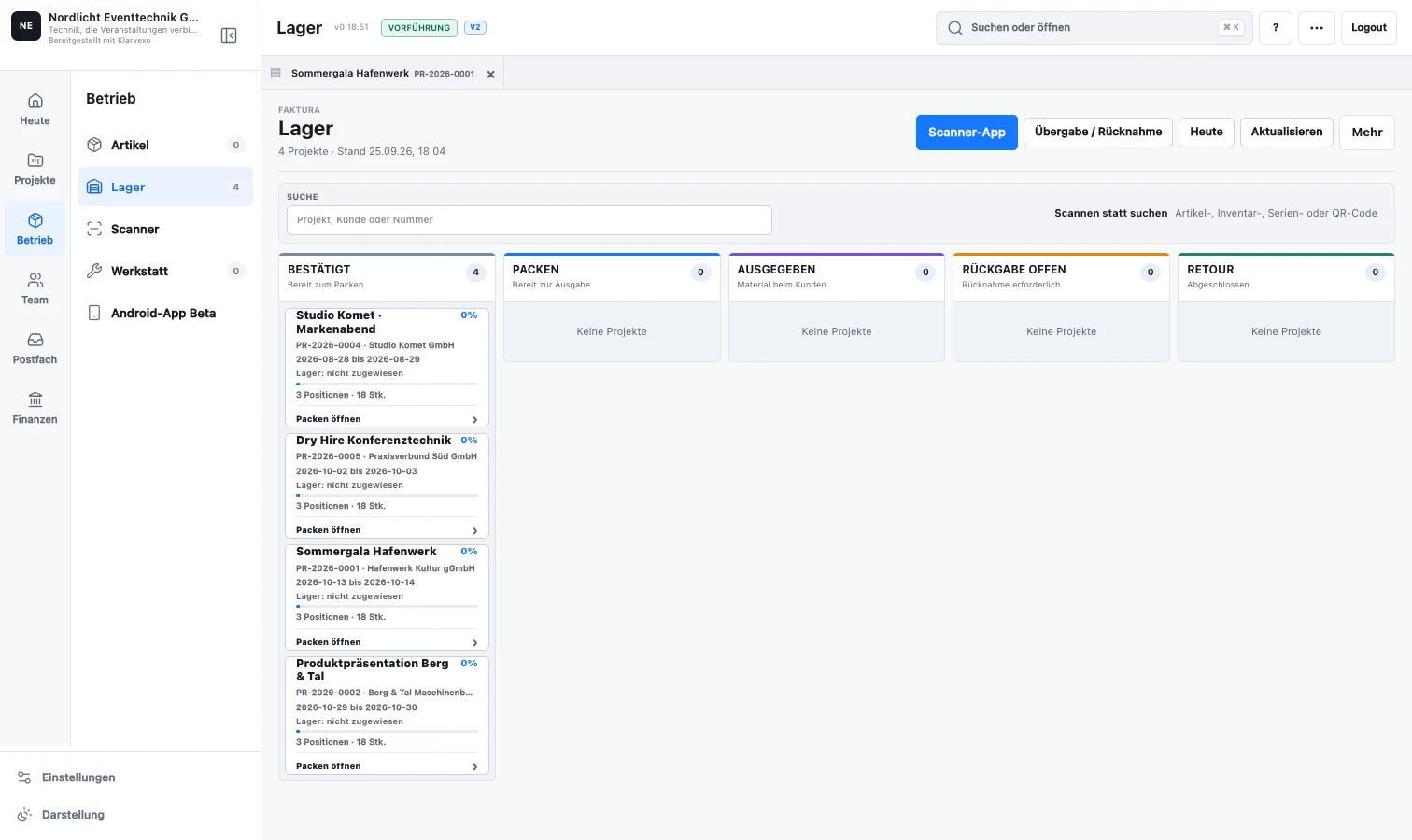
Continuous process
The warehouse order shows the confirmed demand and the current planning period.
Items, serial-numbered equipment and sets are packed using a scanner or quantity input.
The handover records quantities and specific individual devices in the project.
Partial returns, damage and missing devices are recorded separately during the scan.
Only when deviations are clarified do the warehouse order and the project phase fully release.
Functions related
Own item master, inventory number, serial number, barcode, storage location and inspection date.
Set QR codes, content check, sealing and A4 case slip with complete contents.
Change storage location, purchase date and inspection date together for many selected devices.
Native Android Beta for Warehouse Processes on Zebra TC21; iOS remains possible as a later target platform.
Defective devices generate a traceable workshop order with work and costs.
Inventory statuses, freely designable labels and printable QR codes from the same data source.
Frequently asked questions
Yes. An existing barcode or QR code can be saved on the individual device in addition to the serial and inventory number.
Yes. Sets have their own code, verifiable content and can be treated as a unit in the warehouse process.
The device is managed as a dispute case or workshop process, while the replacement and project status remain traceable.
Try it straight away
Confirm your email, set your password and test the entire company area for three months without any initial payment.
Provider & original sources
Klarvexo is provided by Frey & Graf GmbH und Co. KG. The software is designed for event technology, production and rental businesses.
Am Wasserturm 14b · 85131 Pollenfeld / Preith · Germany
Original screenshots and German-language tutorials demonstrate the software using sample data. They are not customer references. Features and access depend on the selected plan and software version.
Tutorials & workflows Current plans & featuresProduct screenshots and recordings show the original German interface. Tutorial audio is in German; the videos are not dubbed.