Material availability
Clearly separate reserved, packed, issued and returned quantities.
 KlarvexoOperations hub
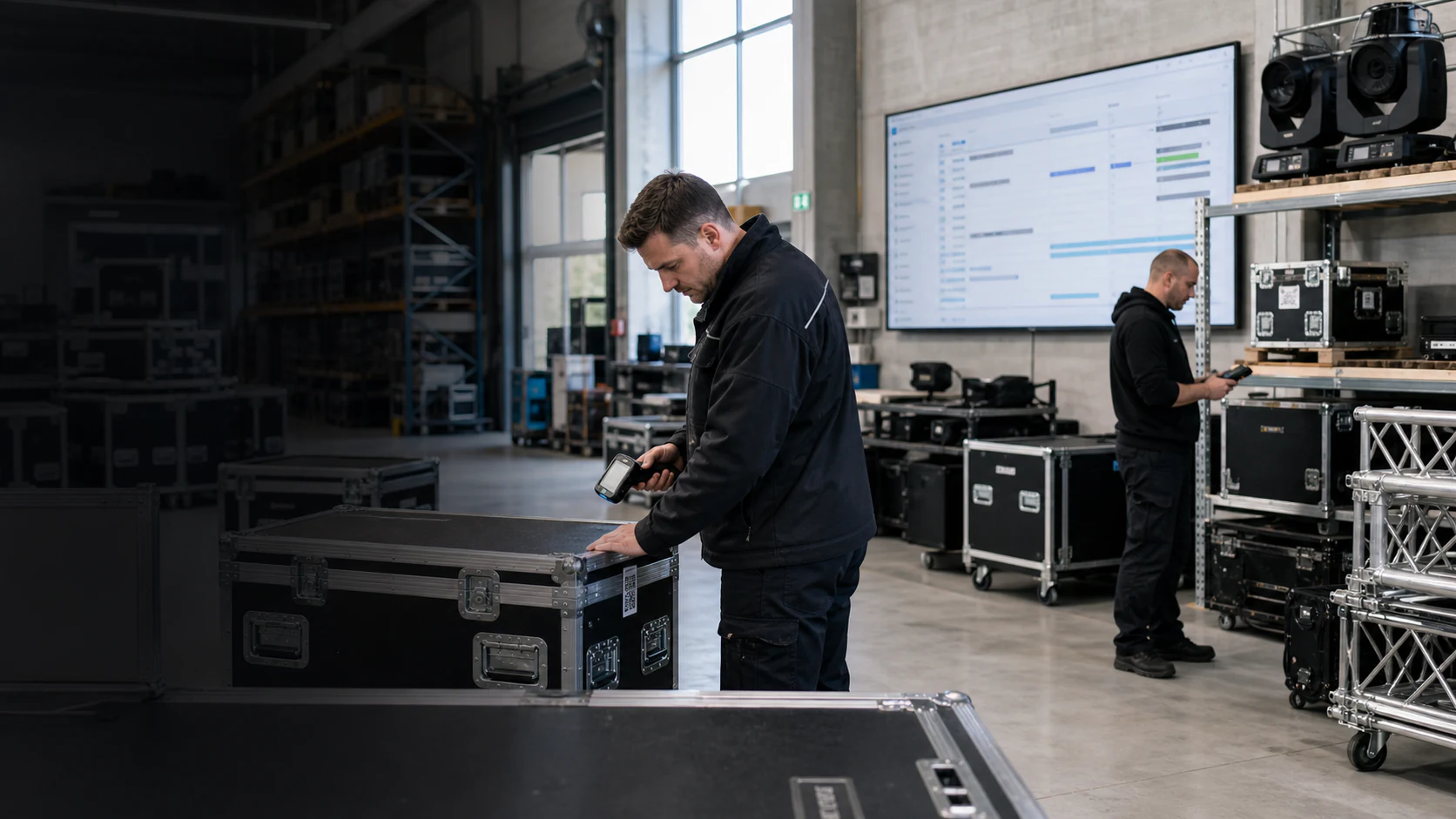
Scheduling software for event technology
A scheduling is only reliable if all required resources use the same time period and the same project data. Klarvexo connects material reservation, personnel requirements, vehicle planning and tasks with the project record.
In real workflow
Klarvexo checks reservations in the relevant period, separates demand, reservation and issue and traces bottlenecks back to the affected project. Open staff positions and vehicle conflicts are part of the same planning.
View the entire Klarvexo platform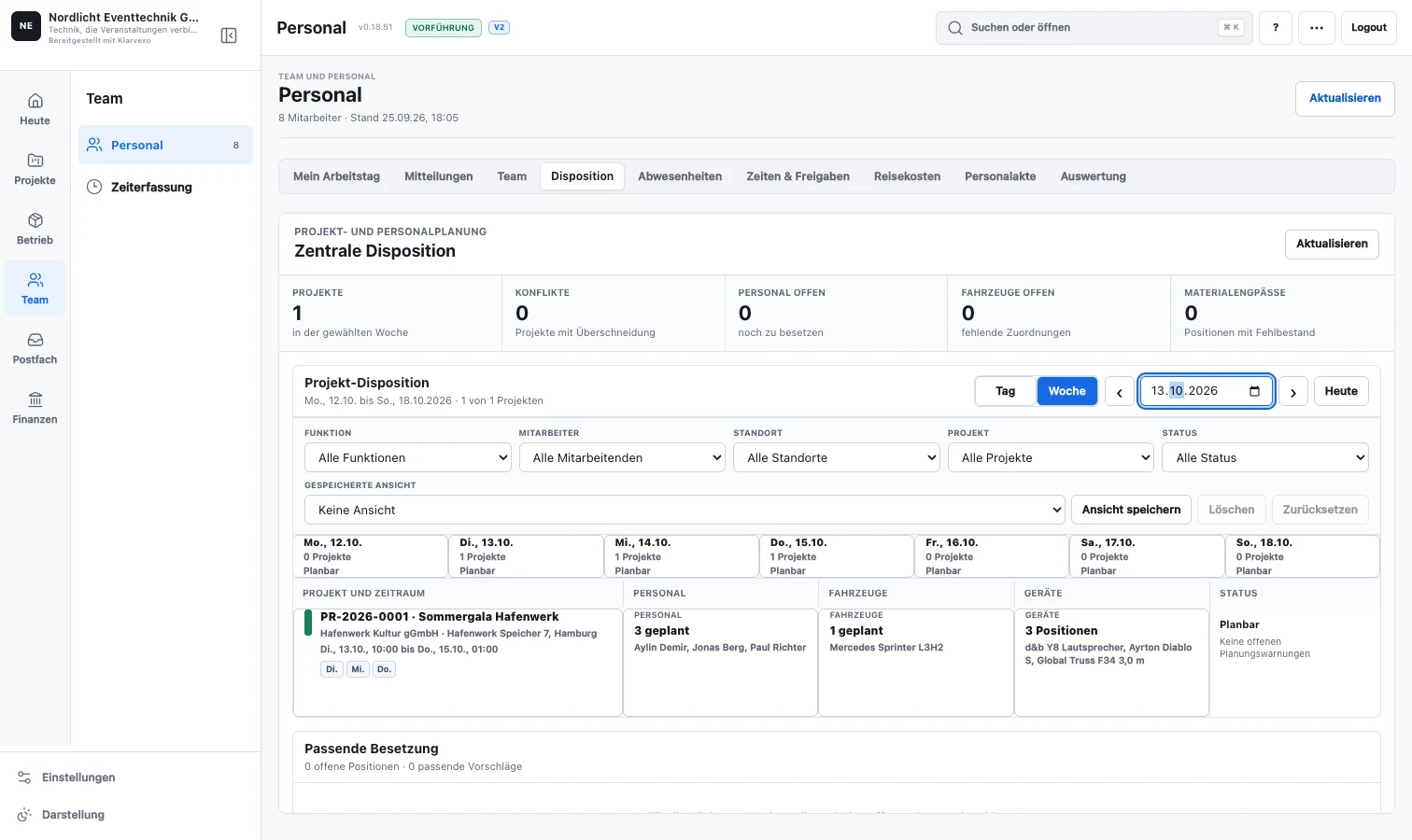
Continuous process
Construction, deployment, dismantling and material times form the common planning basis.
Material categories, personnel positions, vehicles and tasks are assigned to the project.
Overbookings, lack of feedback and time overlaps become apparent early on.
Employees, vehicles, standard devices or replacement materials can be specifically selected.
The project progress shows which prerequisites for use are still missing.
Functions related
Clearly separate reserved, packed, issued and returned quantities.
Manage functions, vacancies, multiple responsible persons, invitations and feedback.
Connect vehicle requirements, charging times, transport routes, drivers and mileage costs.
Planning, construction, events, dismantling and maintaining your own time periods directly in the project.
Phases with testable prerequisites instead of a freely interpretable status field.
Every employee sees tasks, assignments and feedback that match their own role.
Frequently asked questions
The planned quantity is checked against inventory and parallel reservations in the actual planning period.
Yes. Personnel positions can be assigned to multiple employees and have invitation and confirmation status.
Yes. Vehicles, drivers, transport routes, loading times and project-related costs are directly linked to the deployment.
Try it straight away
Confirm your email, set your password and test the entire company area for three months without any initial payment.
Provider & original sources
Klarvexo is provided by Frey & Graf GmbH und Co. KG. The software is designed for event technology, production and rental businesses.
Am Wasserturm 14b · 85131 Pollenfeld / Preith · Germany
Original screenshots and German-language tutorials demonstrate the software using sample data. They are not customer references. Features and access depend on the selected plan and software version.
Tutorials & workflows Current plans & featuresProduct screenshots and recordings show the original German interface. Tutorial audio is in German; the videos are not dubbed.