Operations hub
Tasks, appointments, bottlenecks, quotes, invoices and messages as a personal overview.
 KlarvexoOperations hub
easyjob alternative for event rental
Klarvexo offers event technology and event rental companies an independent, browser-based platform. What is important is not a functional comparison on paper, but whether your own processes are fully supported from the inquiry to billing.
In real workflow
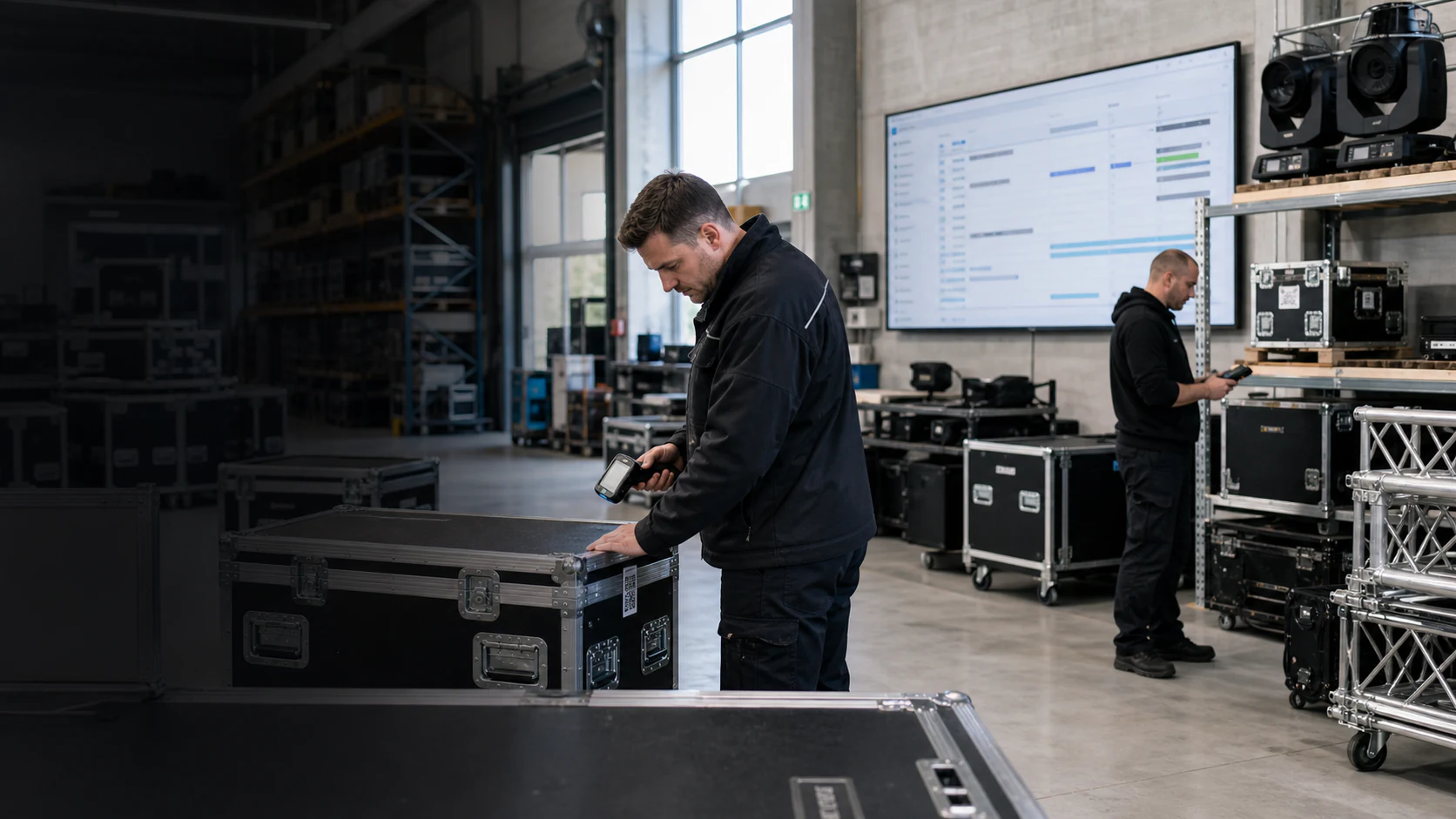
Klarvexo brings together project progress, materials, personnel, documents and commercial work in one file. Personal overviews show each team member the next relevant steps.
View the entire Klarvexo platform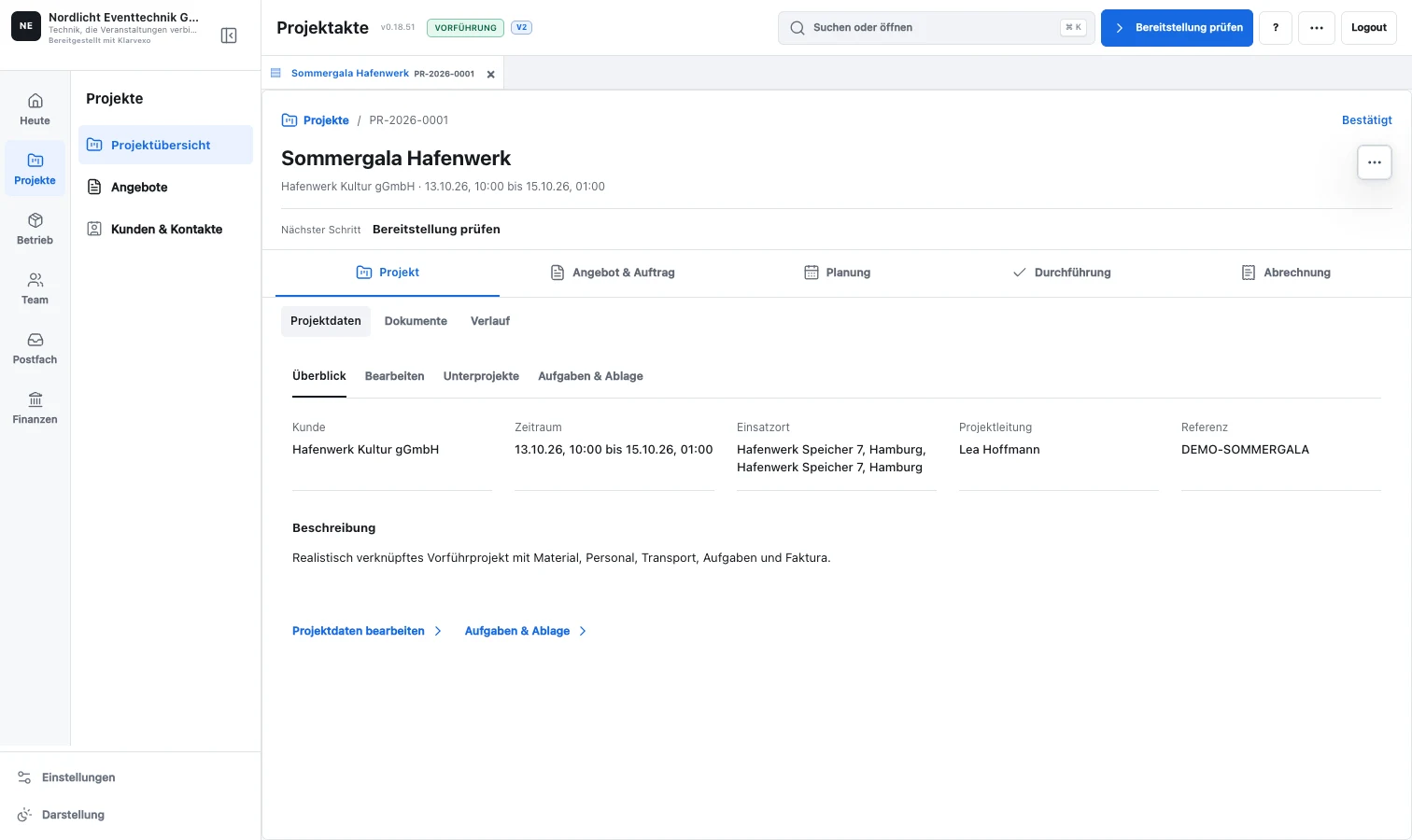
Continuous process
The most important project, warehouse, personnel and invoicing processes are specifically described.
An isolated demonstration area shows coherent, realistic data instead of blank masks.
Office, warehouse, project management and accounting check their daily operations.
Master data and open processes are assigned to the Klarvexo model in a controlled manner.
Only successfully tested areas switch to mandatory Klarvexo operation.
Functions related
Tasks, appointments, bottlenecks, quotes, invoices and messages as a personal overview.
Phases, schedule, material, assembly, personnel, calculation, invoice and documents in the order.
Project-related quantities, serial-numbered equipment, sets, QR bookings and native Android scanner app.
Assignments, confirmations, availability, time recording, notifications and travel costs.
Link project documents, OCR receipts, hospitality receipts, invoices and payment transactions.
Roles, teams, templates, number ranges, mailboxes, integrations and separate backups.
Frequently asked questions
Klarvexo runs centrally on the server and is used in the browser. A native Android app is also available as a beta for Zebra storage devices.
Yes. An isolated demonstration operation contains related example customers, projects, emails, materials, personnel, documents and billing.
Klarvexo is a standalone product. easyjob is a trademark of the respective owner; There is no business connection or manufacturer partnership.
Try it straight away
Confirm your email, set your password and test the entire company area for three months without any initial payment.
Provider & original sources
Klarvexo is provided by Frey & Graf GmbH und Co. KG. The software is designed for event technology, production and rental businesses.
Am Wasserturm 14b · 85131 Pollenfeld / Preith · Germany
Original screenshots and German-language tutorials demonstrate the software using sample data. They are not customer references. Features and access depend on the selected plan and software version.
Tutorials & workflows Current plans & featuresProduct screenshots and recordings show the original German interface. Tutorial audio is in German; the videos are not dubbed.