Customers and projects
Take over customer base, contact persons, project periods, status and ongoing project records.
 KlarvexoOperations hub
Check Rentman alternative step by step
Klarvexo is aimed at event and rental companies who want to manage their processes independently in the long term on their own platform. The change is not treated as an uncontrolled complete move, but is prepared and approved for each data and work area.
In real workflow
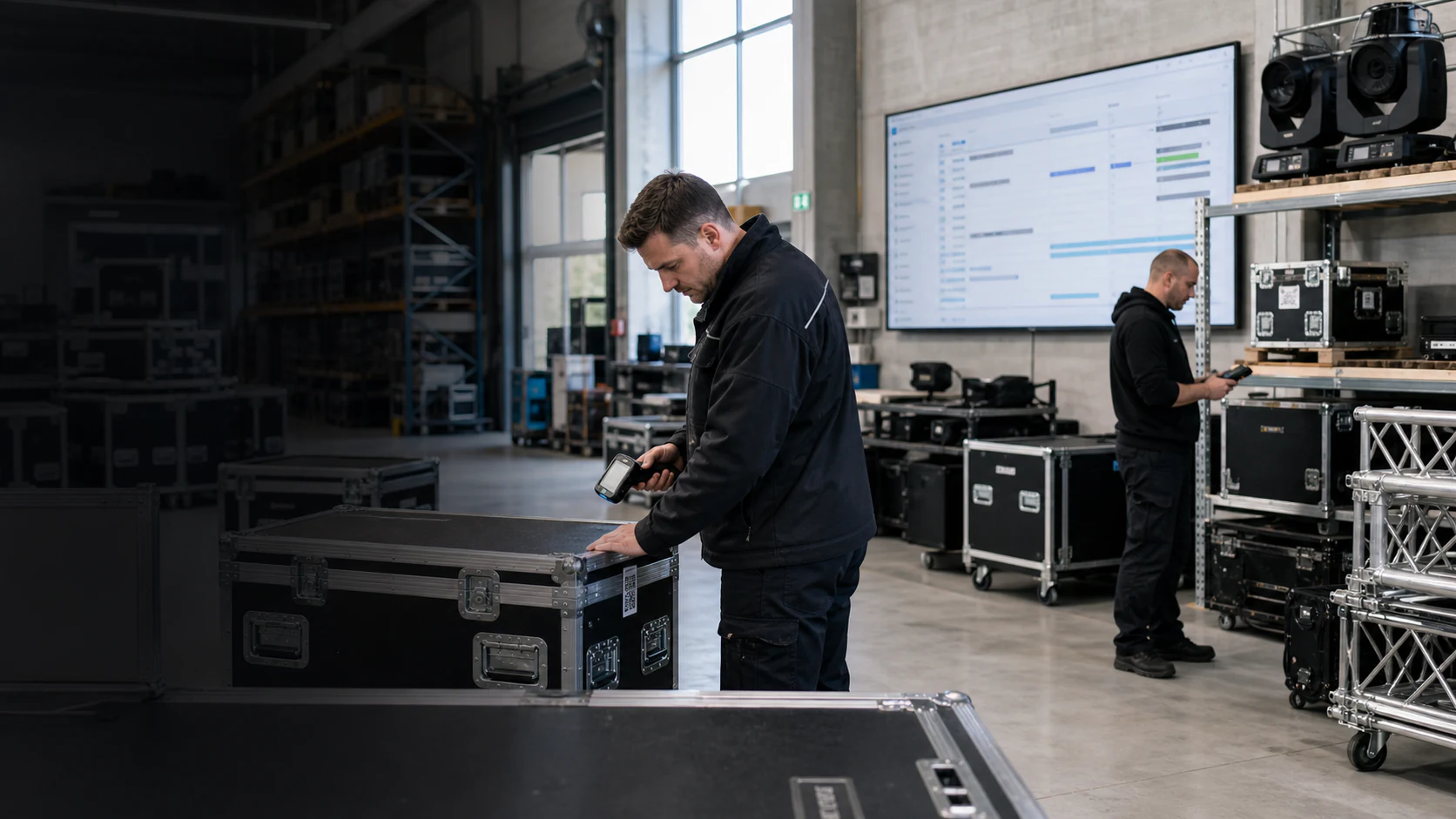
Klarvexo doesn't just handle lists. Material, projects, tasks, warehouse movements, personnel, documents and invoices are classified into the respective target process. An area is only completely converted after a technical examination.
View the entire Klarvexo platform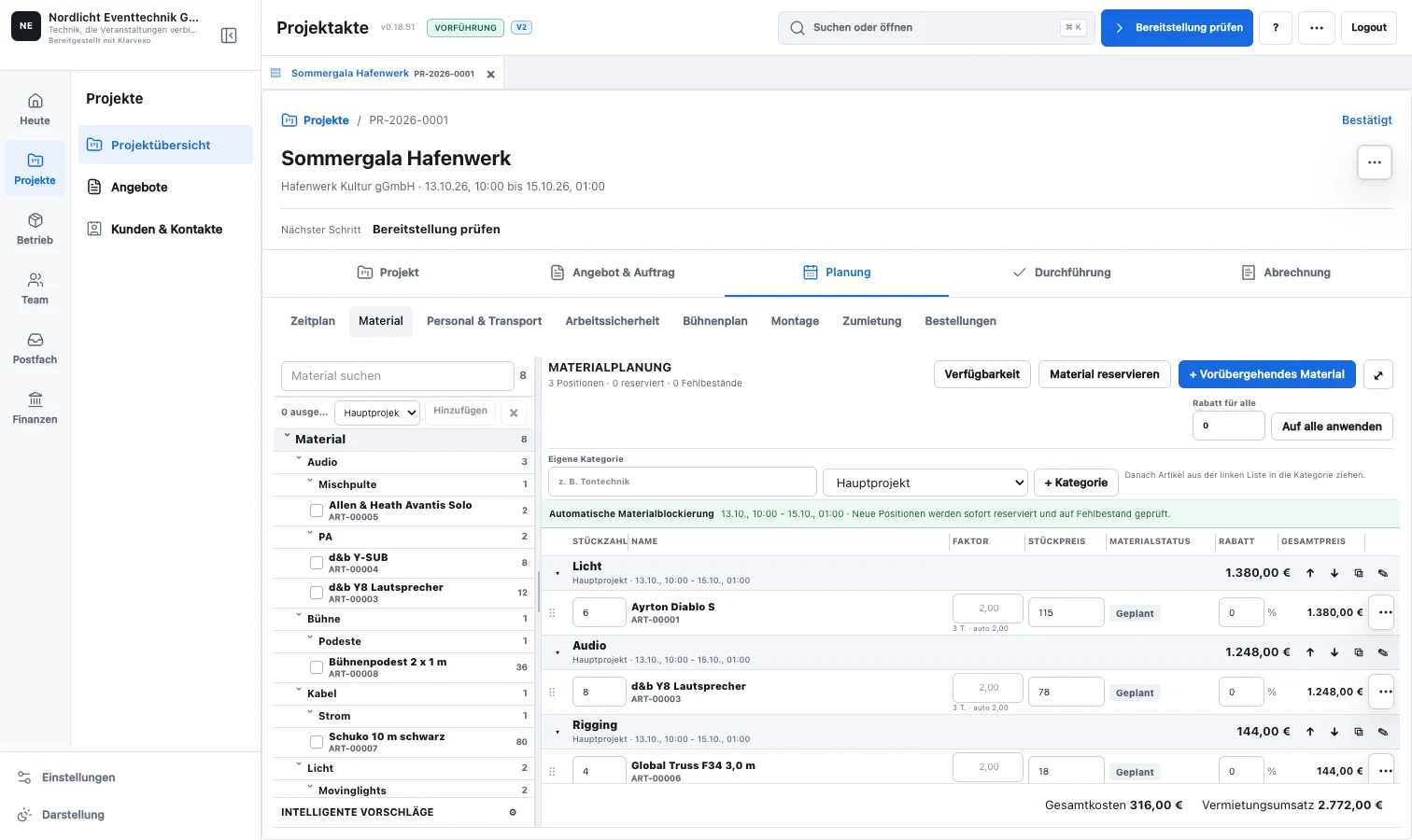
Continuous process
Required master data, open projects, reservations and documents are delimited.
Statuses, item types, roles and number ranges receive unique Klarvexo targets.
A real process is carried out completely from the beginning to the technical conclusion.
Only after acceptance do the responsible teams work in the new Klarvexo process.
The converted area then only accesses Klarvexo data and functions.
Functions related
Take over customer base, contact persons, project periods, status and ongoing project records.
Assign items, stocks, serial-numbered equipment, sets and open reservations functionally.
Validate the complete packing, checkout, return, damage and shortage workflows in Klarvexo.
Reconnect employees, functions, assignments, working hours, vehicles and transport routes.
Assign project emails, files, quotes and relevant history to the correct process.
Really check the quote, order, draft invoice, tax, PDF, cancellation and new draft.
Frequently asked questions
No. Klarvexo supports a controlled changeover per area so that ongoing operations do not depend on an untested complete changeover.
Customers, items, employees, open projects and reservations can be prepared with assignment and audit reports.
Klarvexo is a standalone product. Rentman is a trademark of its respective owner; There is no business connection or manufacturer partnership.
Try it straight away
Confirm your email, set your password and test the entire company area for three months without any initial payment.
Provider & original sources
Klarvexo is provided by Frey & Graf GmbH und Co. KG. The software is designed for event technology, production and rental businesses.
Am Wasserturm 14b · 85131 Pollenfeld / Preith · Germany
Original screenshots and German-language tutorials demonstrate the software using sample data. They are not customer references. Features and access depend on the selected plan and software version.
Tutorials & workflows Current plans & featuresProduct screenshots and recordings show the original German interface. Tutorial audio is in German; the videos are not dubbed.